A showroom that never closes.
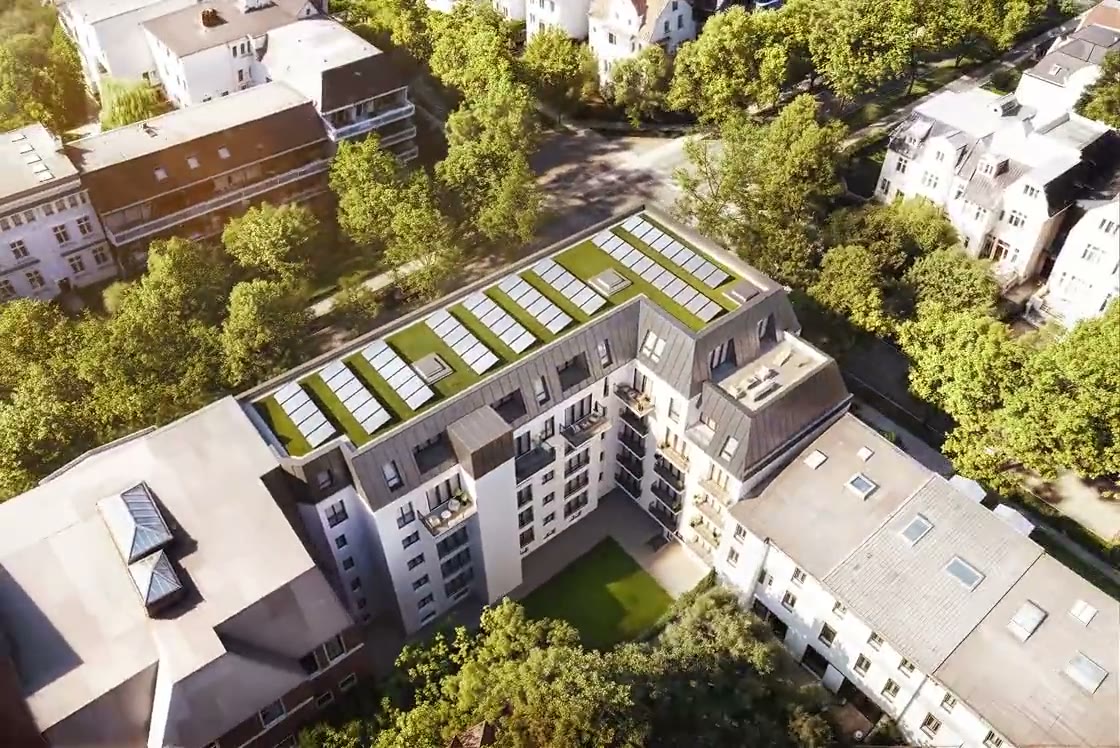
Your development, explorable — real visuals, clickable units, live availability, inquiries on the spot. On your own domain, in your branding.
- Rooms
- 3
- Living area
- 86 m²
- Floor plan
- View PDF
Try it — click a unit
Buyers help themselves — and tell you everything.
Every visit, view and comparison happens on your site instead of a portal — and buyers stay anonymous, no accounts, until they choose to reach out. Tracking is consent-based; every signal flows into your sales workspace.
Explore the building, not a brochure
Buyers move through project and floor views with live availability on every unit — the states your team sets are the states buyers see, the same second.
Open any unit
Rooms, living area, orientation, price, floor plans, photos and documents — each unit answers for itself, so your team stops being a PDF dispatcher.
Compare and shortlist
Side-by-side comparison and favorites keep serious buyers on your site — and every view and comparison becomes signal your sales team can act on.
Inquire on the unit, not into the void
Inquiries carry the unit, the source and a recorded consent — they land in your workspace as attributed contacts, never as anonymous inbox mail.
Your brand, your hands.
Mark the units on your renders and floor plans with the built-in editor, set your colors and typography, publish on your domain — no agency ticket, no waiting for a release. Full white-label is available on Enterprise. All we need from you: the visuals you already have — film or stills — and the architect's unit schedule.
Upload the architect's floor-area PDF — AI drafts the full unit list (rooms, areas, prices) for your team to review.
Draw the clickable units over your renders and floor plans with the built-in editor — then publish on your domain, in your branding — as its own site, or embedded straight into your existing one.
Plans change? Update once. Website, team and brokers see the same data the same second.
For sale and for rent
Mixed projects too — one inventory.
English & German
Buyers switch language; you maintain one site.
Your visuals
Built from the renders and flythroughs you already have.
No buyer accounts
Any browser, any device, nothing to install.
Give buyers a showroom, not a PDF.
See your own project as the buyer experience — bring a floor plan and the renders you have, leave with a live project.